 SamFw
SamFw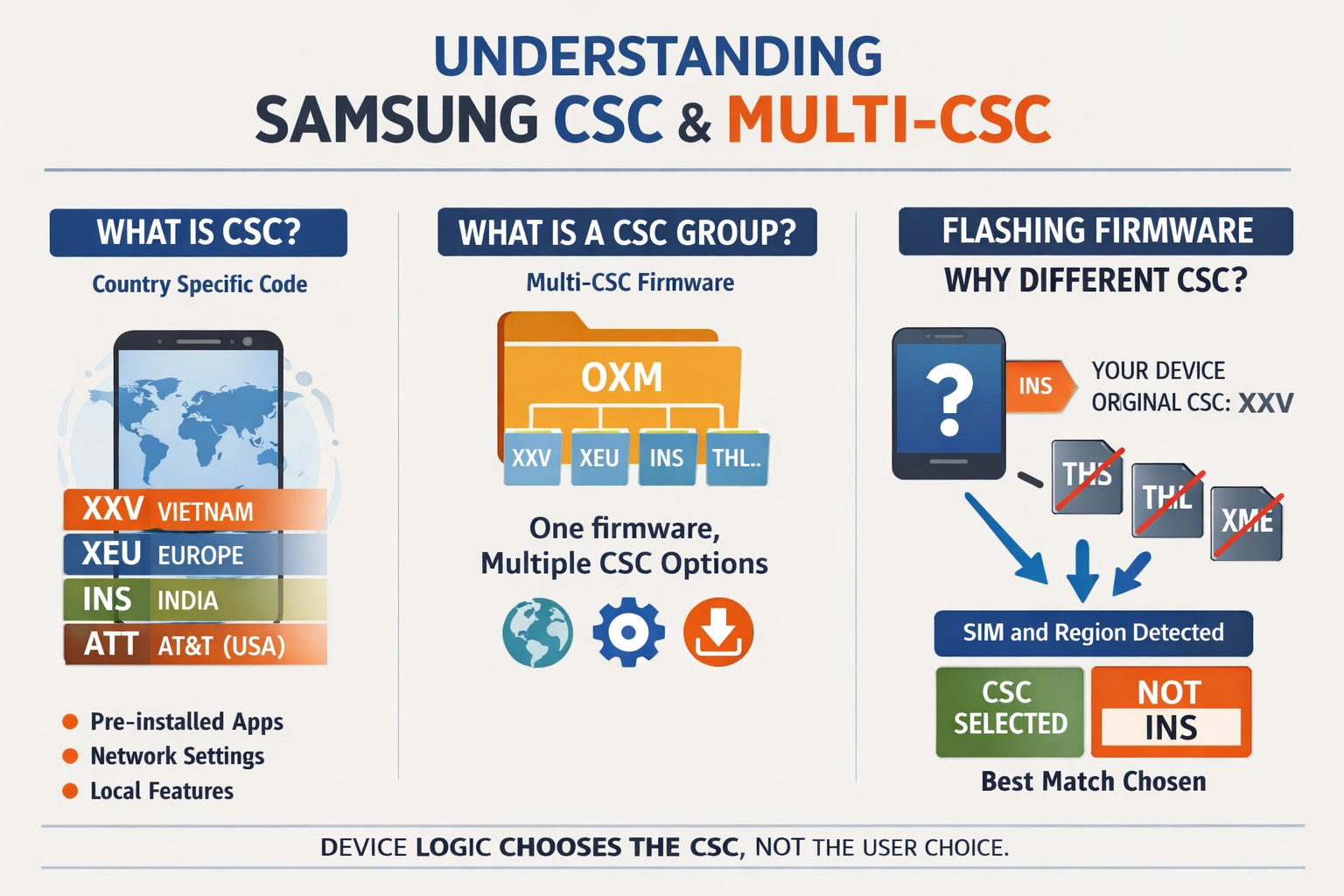
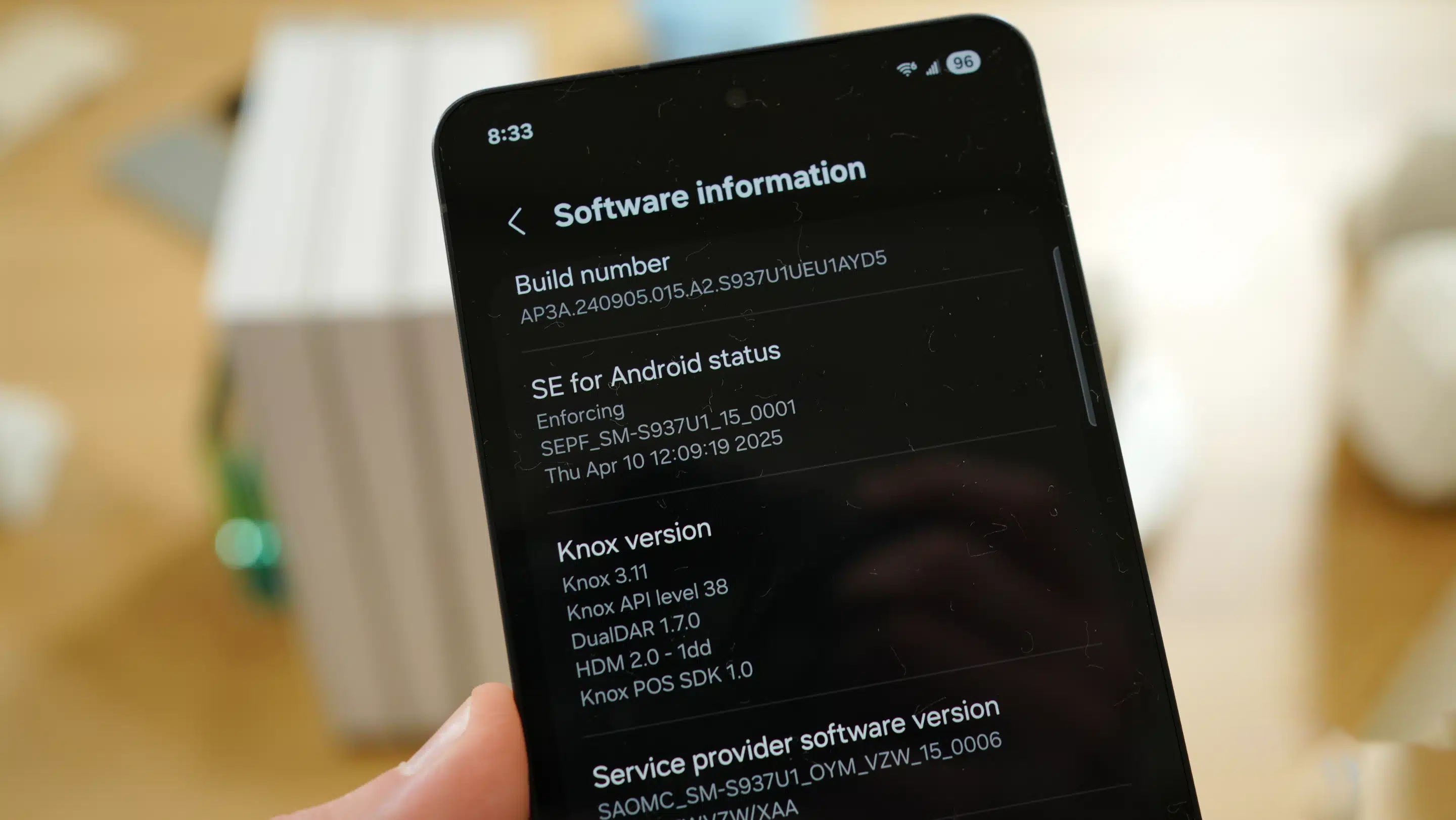
If you’ve ever flashed Samsung firmware, you may have noticed something confusing:
You download a firmware that includes a specific CSC, but after flashing, your device ends up with a different CSC.
This is not a bug or a mistake. It is how Samsung’s CSC system is designed to work. In this article, we’ll explain what CSC is, what CSC groups (Multi-CSC) are, and why your device doesn’t always switch to the CSC you expect.
What is CSC?
CSC stands for Country Specific Code. It defines the regional or carrier configuration of a Samsung device.
Examples:
- XXV – Vietnam
- XEU – Europe
- INS – India
- ATT – AT&T (USA)
CSC controls many aspects of the system, including:
- Pre-installed apps
- Regional features (such as call recording or Samsung Pay availability)
- Network configuration (VoLTE, 5G compatibility)
- OTA update servers
In simple terms, CSC determines how your phone behaves in a specific region.
What is a CSC Group (Multi-CSC)?
Instead of creating a separate firmware for every country, Samsung groups multiple CSCs into a single package. This is called a Multi-CSC or CSC group.
Common examples:
- OXM – Global group (includes many regions like Vietnam, Europe, India, etc.)
- OWO – Another regional group
- OLB – Southeast Asia
- OYN – Korea
A single firmware package (for example, OXM) can support dozens of CSCs.
 How Multi-CSC Firmware Works
Inside the firmware, each CSC has its own configuration folder. When you flash the firmware, all of these CSC options are included.
However, the device does not apply all of them. It selects one CSC based on internal logic.
This is the key point:
Flashing firmware does not mean you are choosing a specific CSC. You are only providing a list of available CSCs.
How Does the Device Choose a CSC?
Samsung uses a priority-based selection process:
- Original CSC (stored in the device)
- If your device’s original CSC exists in the firmware, it will be used.
- SIM card
- If the original CSC is not available, the system checks the SIM card and tries to match a suitable CSC.
- Region and fallback logic
- If no clear match is found, the device selects a default CSC from the group.
Why You Don’t Get the CSC You Expect
This is where most confusion happens.
Let’s say:
- Your device originally uses CSC: XXV (Vietnam)
- You flash a firmware that does not include XXV
- The firmware includes: INS (India), THL (Thailand), XME (Malaysia)
- You want to switch to INS
After flashing, the device may choose THL instead of INS.
Why?
Because the system evaluates:
- Your SIM card (Vietnam)
- Regional proximity or compatibility
It may decide that THL is a better match than INS, even though INS is present in the firmware.
Key Takeaway
The most important thing to understand is:
The CSC you want is not necessarily the CSC the device will choose.
Samsung does not follow user preference during flashing. It follows internal rules based on device identity and environment.
Real-World Examples
| Original CSC | Firmware Group | Result |
|---|---|---|
| XXV | OXM (includes XXV) | XXV |
| XXV | OWO (no XXV) | THL or XME |
| ATT | OXM | XAA |
When Will the CSC Change as Expected?
You will get the desired CSC only if:
- The CSC exists inside the firmware
- The device’s selection logic allows it
Otherwise, you need to take additional steps such as:
- Changing CSC manually via service codes (#272)
- Using specialized tools
- Changing or removing the SIM card
Why Samsung Designed It This Way
Samsung prioritizes stability and compatibility over manual control.
This system helps:
- Prevent issues when flashing firmware from a different region
- Ensure proper network configuration
- Automatically adapt the device to the user’s environment
Final Thoughts
When working with Samsung firmware:
- CSC defines the device’s regional behavior
- Multi-CSC firmware includes multiple CSC options
- The device—not the user—decides which CSC is applied
Understanding this behavior will help you avoid confusion and make better decisions when choosing firmware.
If you are managing firmware distribution or tools like SamFw, it’s important to clearly communicate that:
A firmware package may include a CSC, but it does not guarantee that the device will use it.
This small detail can save users a lot of time and frustration.


