 SamFw
SamFw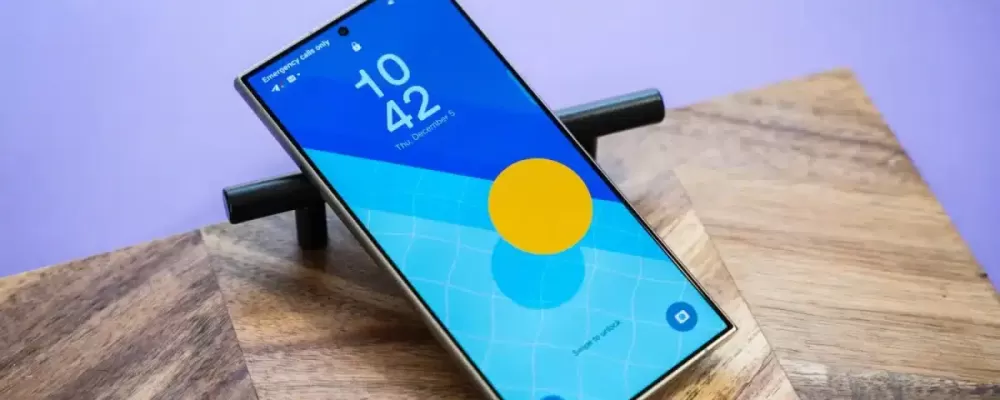
With the One UI 7 update that debuted on the Galaxy S25 Ultra, Samsung made a notable change to the way notifications are displayed on the lock screen. However, this adjustment has caused mixed opinions, as it both improves and reduces the inherent convenience of this feature.
Notifications are an indispensable part of any device. Previously, Samsung only displayed a small group of icons below the clock to signal that there was a notification, forcing users to tap to see details. In One UI 7, Samsung continues to experiment by completely hiding full-size notifications by default, leaving only small icons in the upper corner of the screen.
The positive point is that the “card” option is still available, allowing users to display full notifications like on other Android devices. But the big downside is that the default “icon” makes notifications less accessible. Changing this setting is also not simple as you have to go to Settings > Notifications > Lock screen notifications to switch from “icons” to “cards”. This cannot be done quickly from the lock screen or the “Lock screen and AOD” section in the settings.
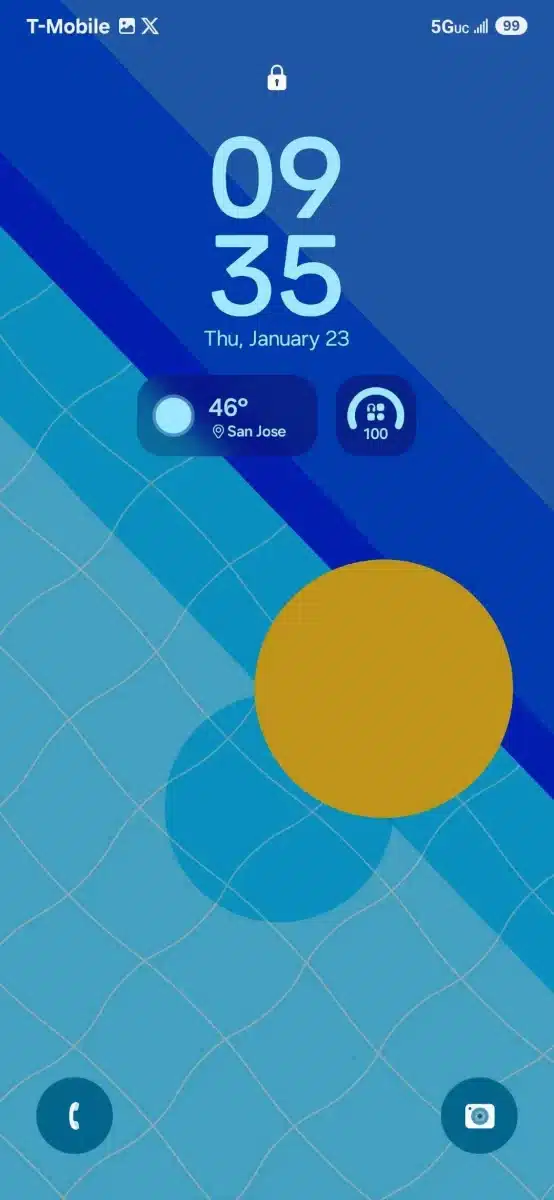
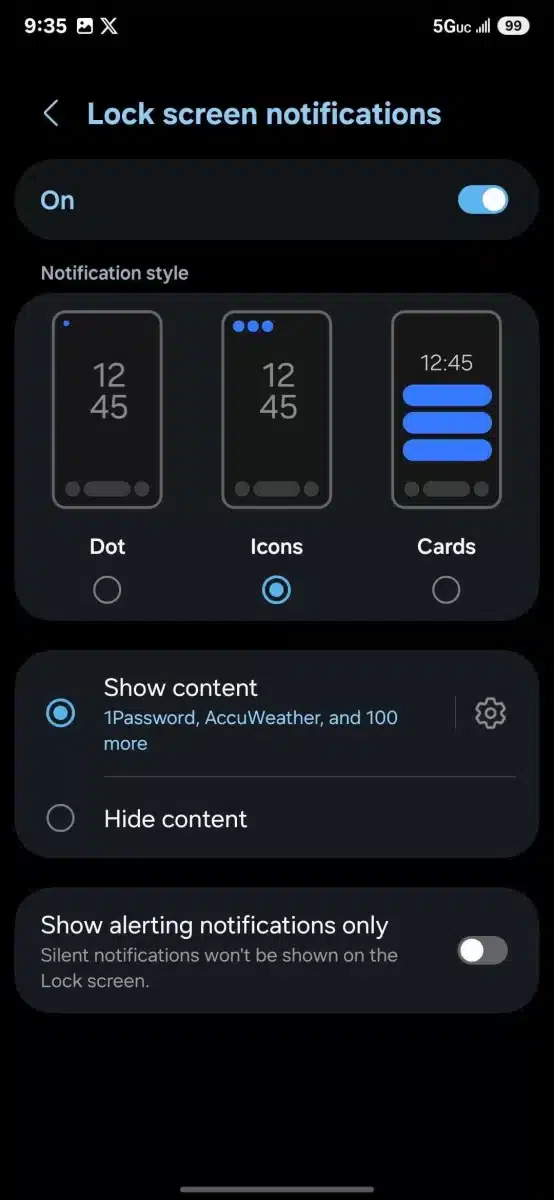
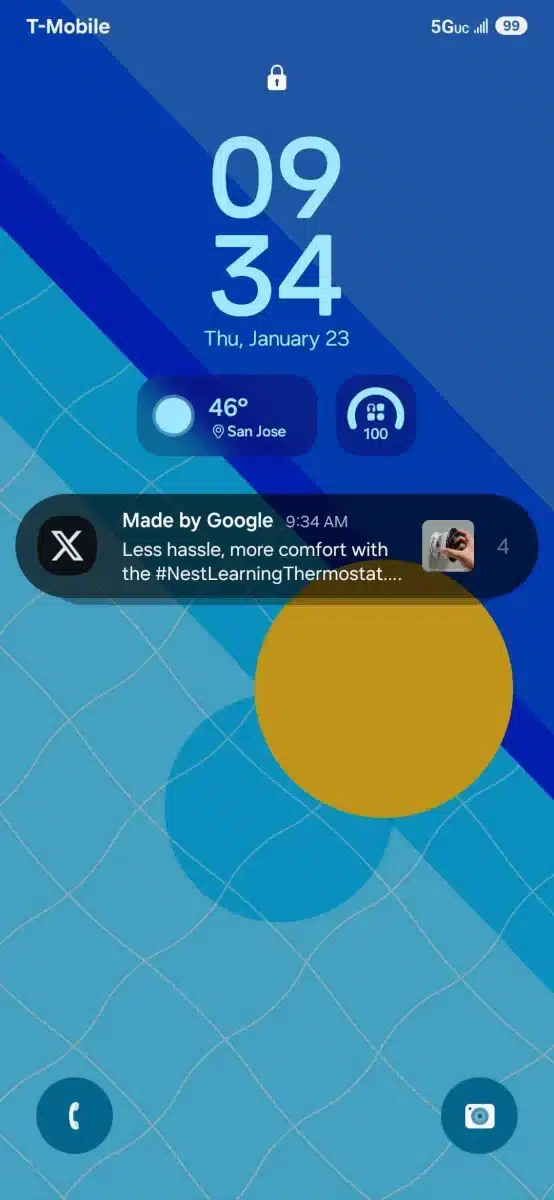
The reason for this change has not been clearly announced by Samsung, but it may be related to integrating new features on the lock screen like the Now Bar or improving the custom widget. While Samsung’s goal may be to improve the user experience, the reality is that it causes discomfort, especially for those who are used to the old display.
One UI 7 has now started rolling out to the Galaxy S25 Ultra and is expected to be applied to older Galaxy devices in the near future. However, with this controversial change, Samsung may need to consider more carefully so as not to lose the satisfaction of its loyal user community.


